
Making a photocopy of your passport before a trip or for an administrative procedure may seem trivial. The rarely asked question concerns the legal framework of this copy, its authorized retention period, and the concrete risks of identity theft if the document circulates without protection. This article compares reproduction methods and security measures available in France for a passport copy that complies with regulatory requirements.
Paper copy, scan, or digital proof: comparative table of methods
Three approaches coexist for reproducing the pages of a passport. Their levels of security and accepted uses differ significantly.
| Method | Medium | Fraud protection | Acceptance abroad |
|---|---|---|---|
| Paper photocopy (printer or kiosk) | A4 sheet | Low (no traceability) | Variable by country |
| Digital scan (PDF or image) | File stored locally or in the cloud | Low without watermark | Variable by country |
| France Identité proof (one-time use) | Signed digital document | High (recipient, duration, reason specified) | Limited to French procedures |
The paper photocopy remains the most common among travelers. It has no traceability mechanism: anyone who retrieves it can reuse it without limits. The digital scan has the same flaw, exacerbated by the ease of duplicating a file.
Knowing how to make a photocopy of a passport is not limited to the technical gesture: the choice of method determines the level of protection for your identity data.
The France Identité proof, on the other hand, generates a one-time use document that includes the recipient, validity period, and reason for transmission. This system structurally limits fraudulent reuse.
Legal framework for passport copies in France and abroad
The CNIL considers the copy of an identity document as a particularly sensitive data. Its retention must remain strictly limited to the time necessary for identity verification, unless otherwise required by law (anti-money laundering, hotel obligations).
An employer, landlord, or service provider cannot indefinitely archive a photocopy of a passport. The CNIL doctrine requires that the copy be deleted as soon as the identity verification is completed, unless a specific text imposes prolonged retention.
Prolonged retention obligations in certain countries
In the Netherlands, the IND requires employers hiring through a “highly skilled migrant” permit to retain passport copies for seven years. Traceability requirements are strengthened with the mandatory addition of bank statements as proof of payment.
Conversely, some countries refuse any copy as proof during an on-site check. The Canadian administration reminds travelers in Costa Rica that only the presentation of the original passport is accepted during roadside checks. A simple photocopy can lead to a fine.
- In France, copying is allowed but its retention is governed by the GDPR and CNIL doctrine.
- In the Netherlands, some employers have a legal obligation to retain the copy for several years.
- In Costa Rica, the photocopy has no legal value during a roadside check: the original is required.
These regulatory discrepancies require checking the rules of the destination country before leaving with just a copy in your pocket.
Watermark and security: protecting your passport photocopy against identity theft
Identity theft has been among the most widespread scams in recent years, with a notable increase in identity fraud. Sending a photocopy of a passport by email without protection amounts to disseminating personal data without any control over its subsequent use.
Applying a watermark with FiligraneFacile
The government service FiligraneFacile allows you to add a visible watermark to any copy of an identity document for free. This watermark specifies the reason for sending, the date, and the recipient. The overlay on the document makes fraudulent reuse much more difficult.
The watermark does not prevent the document from being read but clearly indicates its context of use. If the copy leaks, the watermark allows tracing back to the source of the dissemination.
Multiplying secure copies for travel
Several local authorities and organizations recommend preparing passport copies before any travel abroad. The City of Namur, for example, formally advises checking your documents and multiplying copies before going on vacation.
- Keep a paper copy with a watermark in a bag separate from the original passport.
- Store a watermarked scan in a secure messaging service or digital safe.
- Generate a France Identité proof for French procedures requiring remote identity verification.

Passport copy on a multifunction printer: settings to know
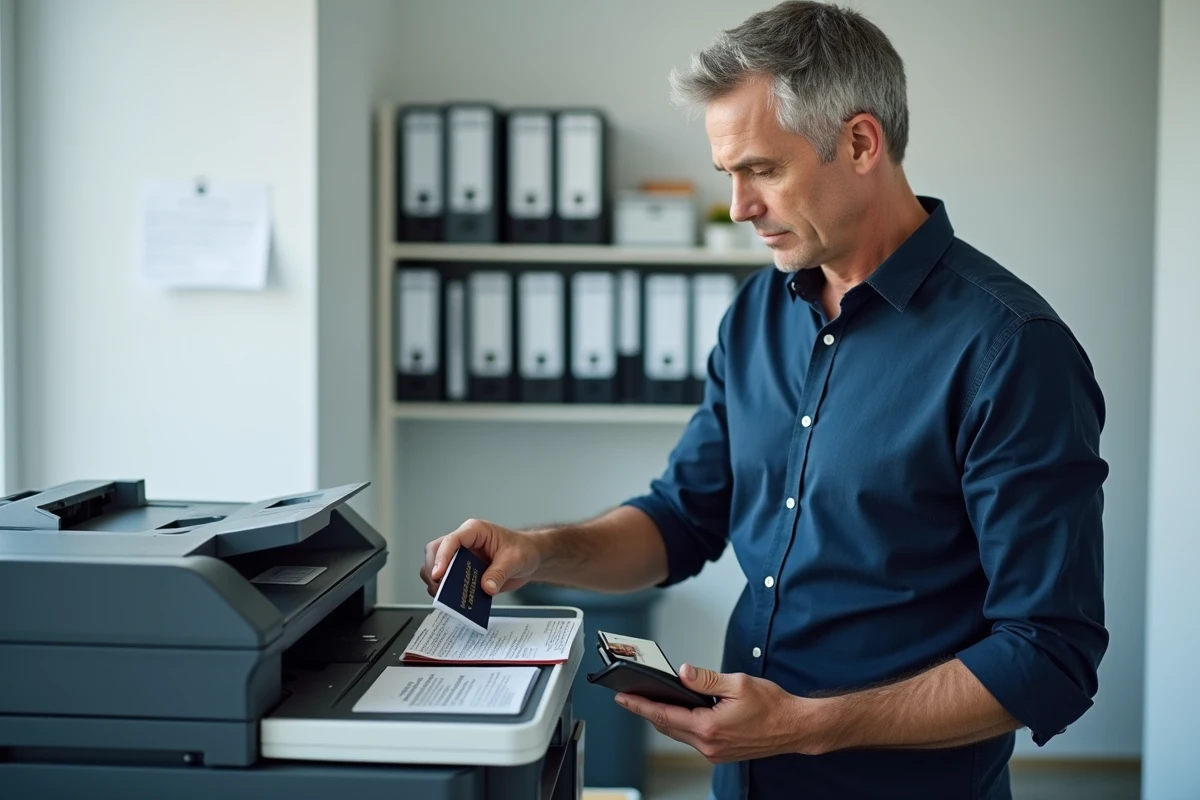
Some multifunction copiers include a function dedicated to reproducing identity documents. On Canon imageRUNNER models, for example, a “passport copy” mode allows you to group multiple pages onto a single A4 sheet by placing the open document on the exposure glass.
The appropriate setting avoids truncated margins and unreadable areas. The passport should be placed open face down, centered on the glass, and the copy format corresponding to the booklet should be selected. Most self-service kiosks in post offices or town halls offer this type of setting.
The result obtained remains an unsecured copy. The next step is always to apply a watermark before any transmission to a third party, whether by mail or electronically.
The photocopy of a passport retains its practical usefulness during travel as well as for administrative procedures. Its value entirely depends on the precautions taken during its creation and dissemination. A watermark mentioning the recipient and the date remains the most effective measure to limit the risks of identity theft related to the circulation of a copy of an identity document.